By Shaheer Malik · Source: Framer Help: Connect Framer forms to a webhook, read on 29 October 2026
Quick answer: Framer forms connect to Make through a webhook: create a scenario that starts with a custom webhook, paste its URL as the form's webhook destination in Framer, and each submission arrives as JSON. From there Make can route it to a CRM, a sheet, Slack or email.
How to connect Make to Framer
- In Make, create a scenario with a custom webhook and copy its URL
- In Framer, select the form, choose Add next to Send To, and pick Webhook
- Paste the URL, which must start with https://
- Publish and submit a test so Make can learn the data structure
- Add modules for each destination
Good to know
- Framer sends form data as JSON in an HTTP POST
- Use hidden fields to pass page or campaign details
What Framer sends to a webhook
When a form's destination is a webhook, Framer sends the submission straight away as JSON in an HTTP POST request to the URL you enter, which must start with https://. Framer's help names four common uses: sending submissions to your own server, connecting third-party services, triggering automation tools such as Zapier, and saving form data to a database. Hidden fields can carry tracking details, such as the campaign a visitor came from, along with the answers.
At a glance
| Tool | Make |
|---|---|
| Category | Automation |
| How it connects | A form webhook |
| Where in Framer | Form settings, Send To, Webhook |
Make and Framer questions
Can I use Make with a Framer form?
Yes. Set the form's destination to a webhook and paste the URL of a Make custom webhook.
Related integrations
- Zapier and Framer: a form webhook
- Slack and Framer: framer's slack app; form alerts via automation
- Airtable and Framer: a marketplace plugin
Every integration is on the integrations page. If you would rather have the site built with this already connected, the Framer website sprint is $1,500 fixed for 14 days.
Work I designed and built
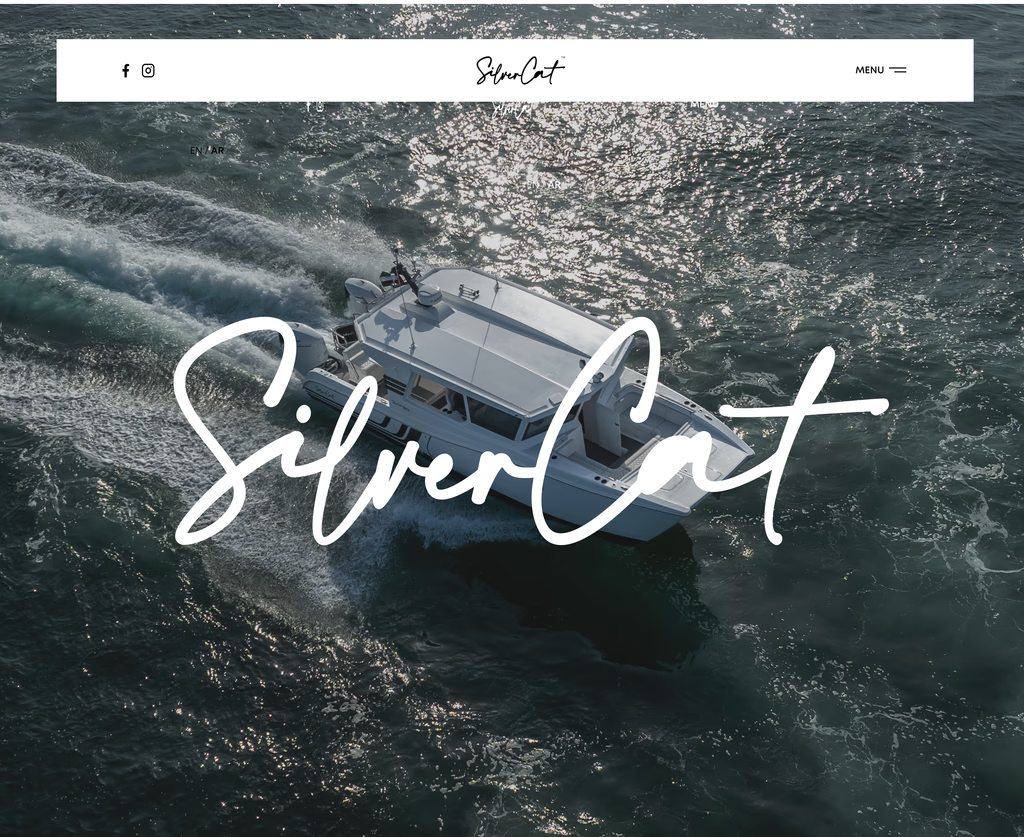 Silver Cat BoatsMarine / Luxury · 2024
 QuadzioSaaS · 2024
 EagleRider Website RedesignTravel & Mobility · 2024
Shown as the standard of work. Each project had its own scope and price. All case studies
Want it connected for you?
I design and build Framer sites with analytics, forms and integrations set up, for a fixed $1,500 in 14 days.
Only need a marketing site of up to 25 pages? The fixed-price website is $1,500, designed and built in Framer and live in 14 days.