Quick answer: Most tools connect to a Framer site in one of five ways: a built-in setting (Google Analytics), custom code in Site Settings (tracking and chat scripts), a form destination or webhook (CRMs and automation), a Framer Marketplace plugin (CMS sync, motion, booking), or hosting rules (domains and proxies). Each page below says which, with Framer's own source.
The five ways tools connect
| Method | Used for |
|---|---|
| A built-in setting | Google Analytics, by Measurement ID in Site Settings |
| Custom code | Tracking scripts and chat widgets, added in Site Settings for all or some pages |
| Forms and webhooks | HubSpot and Mailchimp forms; any other tool through a webhook that receives JSON |
| Marketplace plugins | CMS sync, motion and booking; built by third parties, not by Framer |
| Hosting rules | Domains, rewrites and reverse proxies for sharing a domain with an app |
Analytics
- Google Analytics and Framer: a built-in setting
- Google Tag Manager and Framer: custom code
- Google Search Console and Framer: a verification meta tag
- Hotjar and Framer: custom code
- Microsoft Clarity and Framer: custom code
- PostHog and Framer: custom code
- Segment and Framer: custom code
Forms, CRM and email
- HubSpot and Framer: hubspot form component, or a marketplace plugin
- Mailchimp and Framer: a form that posts to mailchimp
- Kit and Framer: a marketplace plugin
- Salesforce and Framer: a webhook through an automation tool
- Customer.io and Framer: custom code and a webhook
Automation
- Zapier and Framer: a form webhook
- Make and Framer: a form webhook
- Slack and Framer: framer's slack app; form alerts via automation
Content and CMS
- Airtable and Framer: a marketplace plugin
- Notion and Framer: a marketplace plugin
- Contentful and Framer: a marketplace plugin
- Sanity and Framer: no framer guide; usually a coded site
- Storyblok and Framer: no framer guide; usually a coded site
- Keystatic and Framer: not a framer integration
- GitHub and Framer: a marketplace plugin; ai tools via framer mcp
- Algolia and Framer: built-in site search, or custom code
Media and motion
- Lottie and Framer: a marketplace plugin
- Rive and Framer: a marketplace plugin
- After Effects and Framer: export to lottie or video
- Loom and Framer: the embed component
Hosting and domains
- Cloudflare and Framer: dns records, or a reverse proxy
- Vercel and Framer: a subdomain, multi site rewrites, or a reverse proxy
- Netlify and Framer: a subdomain, multi site rewrites, or a reverse proxy
Design and code
- Figma and Framer: a marketplace plugin
- Storybook and Framer: not a framer integration
Support
- Intercom and Framer: custom code
Payments and booking
- Stripe and Framer: a payment link, or a marketplace plugin
- Cal.com and Framer: a marketplace plugin
Work I designed and built
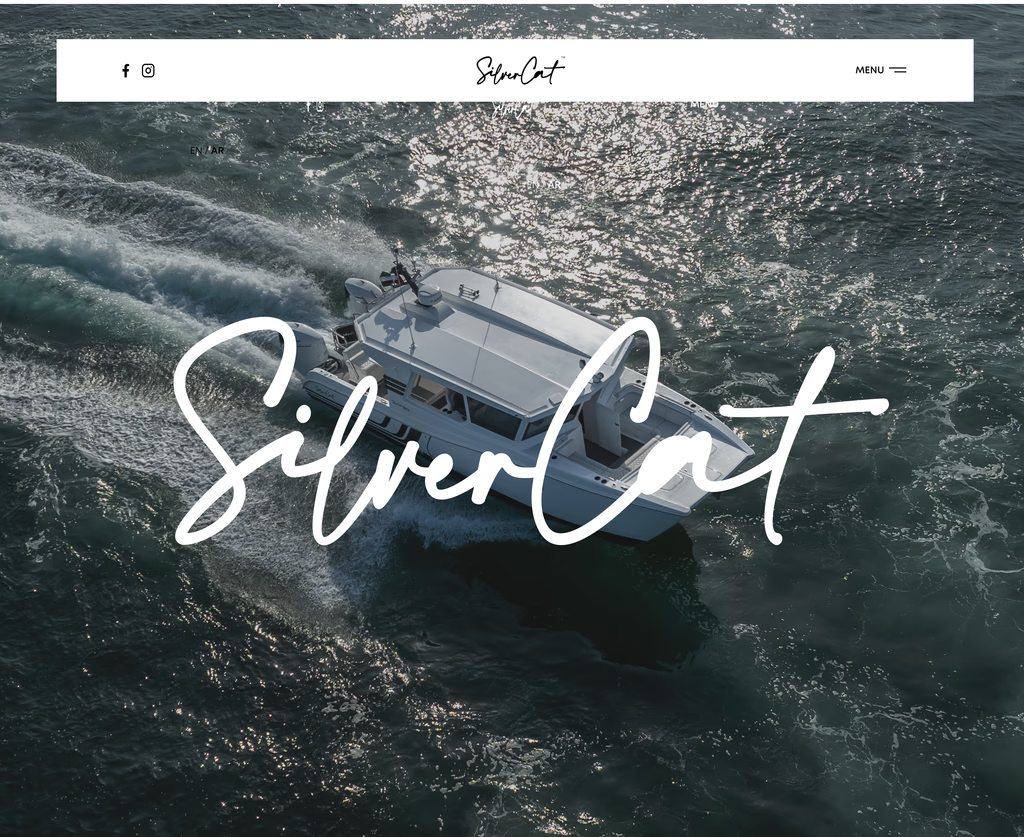 Silver Cat BoatsMarine / Luxury · 2024
 QuadzioSaaS · 2024
 EagleRider Website RedesignTravel & Mobility · 2024
Shown as the standard of work. Each project had its own scope and price. All case studies
Want it set up for you?
I design and build Framer sites with analytics, forms and integrations connected, for a fixed $1,500 in 14 days.
Only need a marketing site of up to 25 pages? The fixed-price website is $1,500, designed and built in Framer and live in 14 days.